Features
What Lar can do today
Everything below is in the app now; anything not listed is deferred — see the FAQ.
Notes with structure
Give the things you keep — books, people, projects, tasks — the details that make them useful, without turning notes into forms.
- Every note has a type, so a book looks like a book and a task like a task (Objects and Types)
- Share fields between related types instead of repeating them (Mixins)
- Link notes by typing [[Title]]; links can also be typed relations, like an author or a project
- Add fields that calculate their own values (property formulas)
- Rename fields or change a type safely; existing notes keep working
- Built-in types for tasks, events, and images, files, PDFs, audio and web links
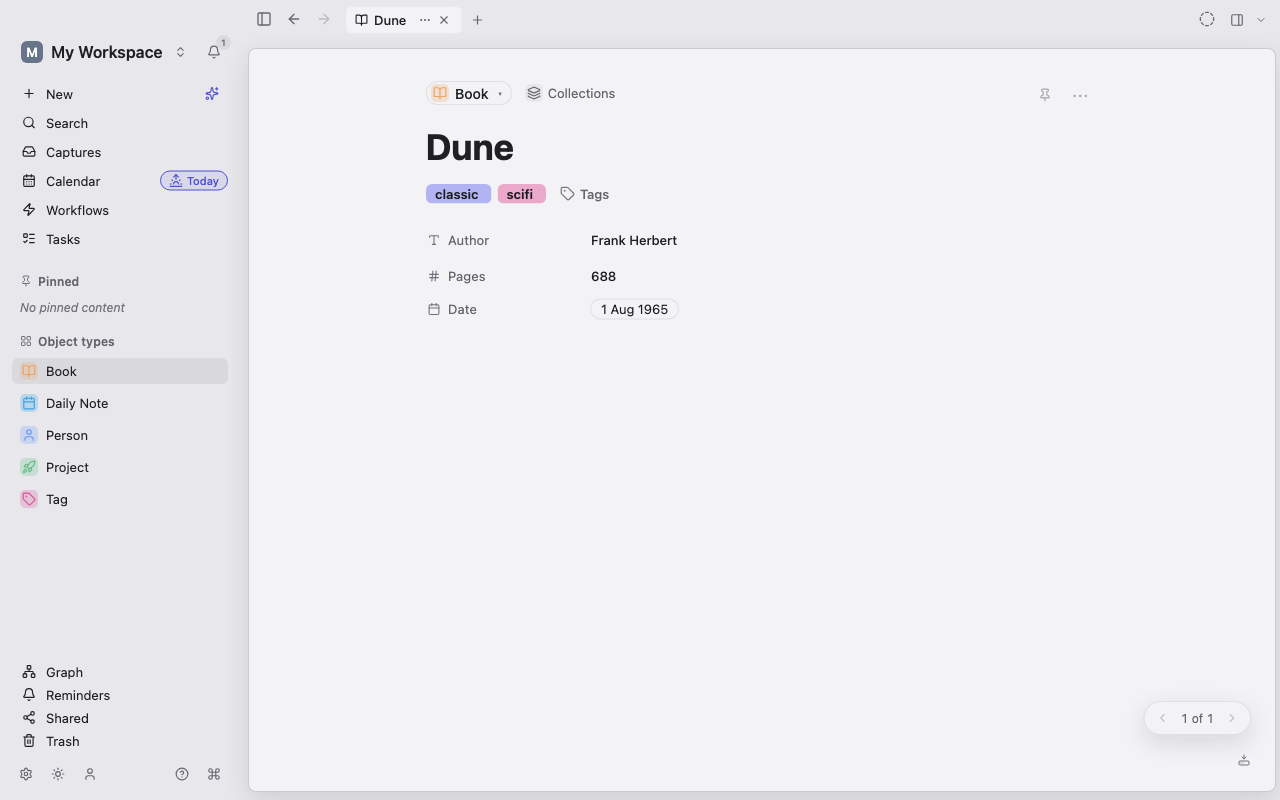
A calm editor
Write freely in blocks, and let everything you write connect to the rest of your workspace.
- Headings, lists, to-dos, toggles, and code blocks with syntax highlighting for 150+ languages
- Images and files stay attached to the note and sync with it
- Tables, link previews, math (KaTeX), and a free-form canvas; switch a note between page and canvas with Ctrl+Shift+E
- Type [[Title]] to link a note and #tag to tag it; Lar creates a missing tag for you
- Embed a whole note, a section, or a few blocks inside another note (transclusion)
- Find and replace with Ctrl+F, comment threads with a workspace-wide Discussions page, and version history you can restore from
Views for how you think
Look at the same notes as a list, a board, a calendar, or a graph, and switch without losing your place.
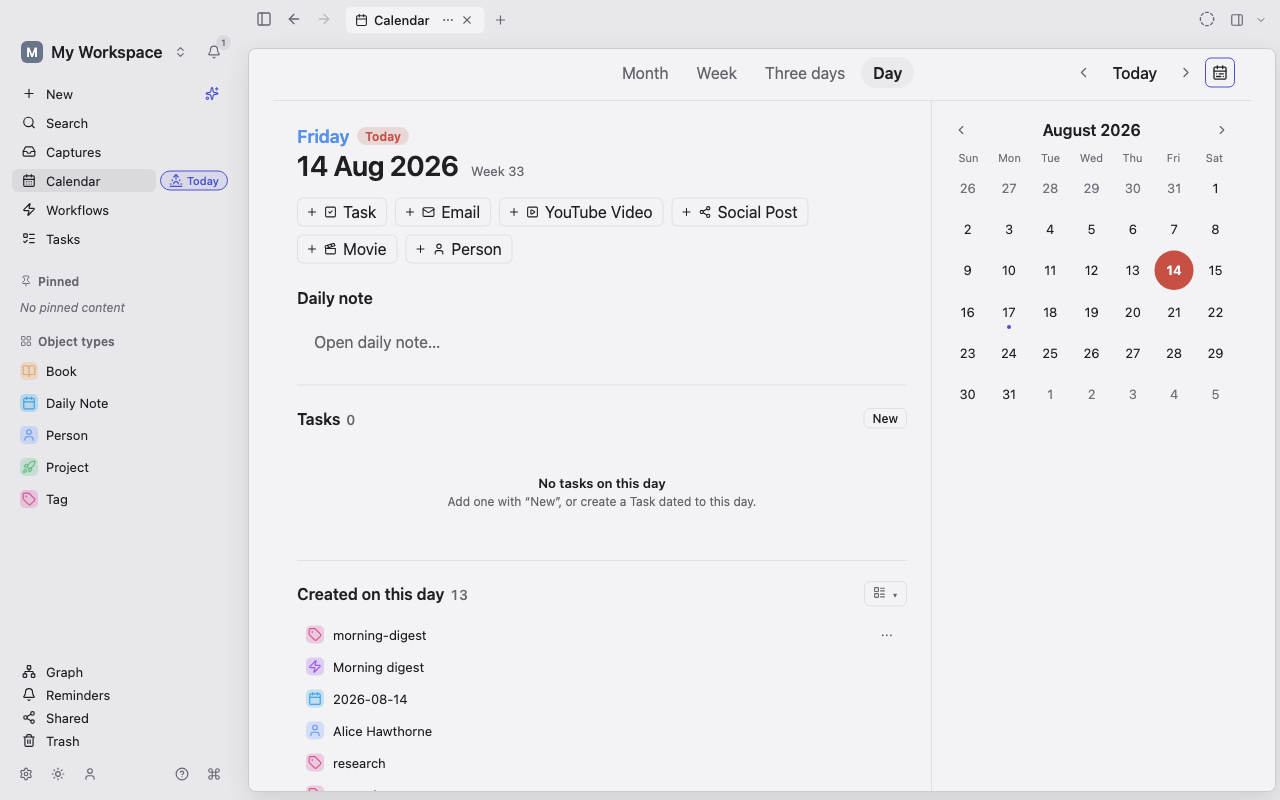
- List, Table, Board (Kanban), Calendar, Gallery, and an interactive Graph of connections
- Today gathers your daily note and everything dated today; open it with Ctrl+Shift+D
- Upcoming groups reminders as overdue, today, this week, and later
- Tasks grouped by due date, with quick add, one-click complete, and recurring tasks that roll forward
- Browser-style tabs for several notes at once, including pinned tabs
- A Trash where deleted notes can be restored
Capture fast, find anything
Get a thought in before you lose it, and get back to it when it matters.
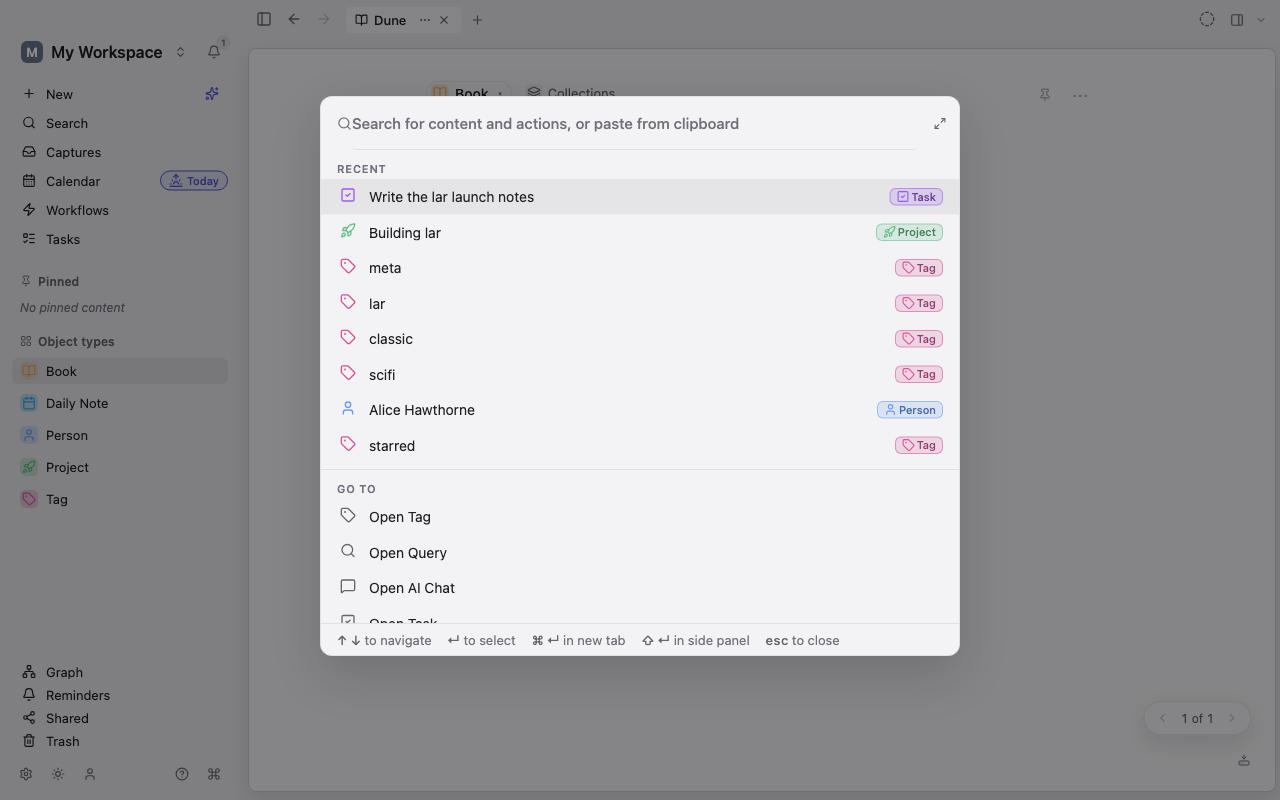
- Search across your notes and the connections between them with Ctrl+K
- Open the command palette with Ctrl+P, create a note with Ctrl+N, or capture one with Ctrl+Shift+N
- Write precise queries and keep them as Saved Views (TQL query language)
- Backlinks show what points at a note; unlinked mentions can be turned into links in one click
- Hover a reference to preview the note behind it
Sync, sharing & privacy
Your notes live on your device first. Sync and sharing are optional, and end-to-end encrypted.
- Desktop encrypts your workspace on disk, using keys kept in your operating system
- Sync your workspace across your own devices
- Share a single note with someone, view-only or editable, without exposing the rest
- Edit together with live cursors, encrypted between participants
- Publish a read-only web page of a note; only people with the full link can read it
AI, on your terms
AI is optional, and Lar asks before anything is sent to a cloud provider.
- Use a cloud provider or a local model with Ollama; on desktop you bring your own key
- Ask the assistant about your notes and get answers with citations; open it with Ctrl+Shift+A
- Save a conversation as a note when it is worth keeping
- Turn on local semantic search on desktop to find notes by meaning
- Mark any note "Exclude from AI" to keep it out of every AI feature
Import & export
Bring your notes in from other tools, and take them out any time in standard formats.
- Import from Notion (a Markdown & CSV export zip), an Obsidian vault folder, Roam JSON, Evernote (.enex), or OPML
- Import calendar files (.ics) as events; re-importing does not create duplicates
- Pull in your Readwise highlights with your own token
- Export your whole workspace as JSON, or notes as Markdown, HTML, and print-ready PDF