01 Capture
Start before you know where it belongs.
A passing line, a meeting detail, a book worth returning to. Put it down without making a filing decision first. Lar keeps the unfinished thought in Captures until you are ready.
Explore captureEarly preview The local-first web preview is ready. Signed desktop apps are in preparation. Desktop app status
Local-first notes for a life of ideas
Lar is a private place for thoughts you want to return to—calm enough to write in, structured enough to grow with you.
Private by default · No account required · Offline by default
A workspace, not a pile
A sentence can become a source for a project, a reminder for tomorrow, or the beginning of an idea. Lar gives the important things in your life a shape—and keeps their context close.
One note, more useful places
Write freely first. When a thought matters, connect it to the people, projects, books, and next steps around it. The original note stays human; its context becomes useful.
How Lar connects notesA passing line, a meeting detail, a book worth returning to. Put it down without making a filing decision first. Lar keeps the unfinished thought in Captures until you are ready.
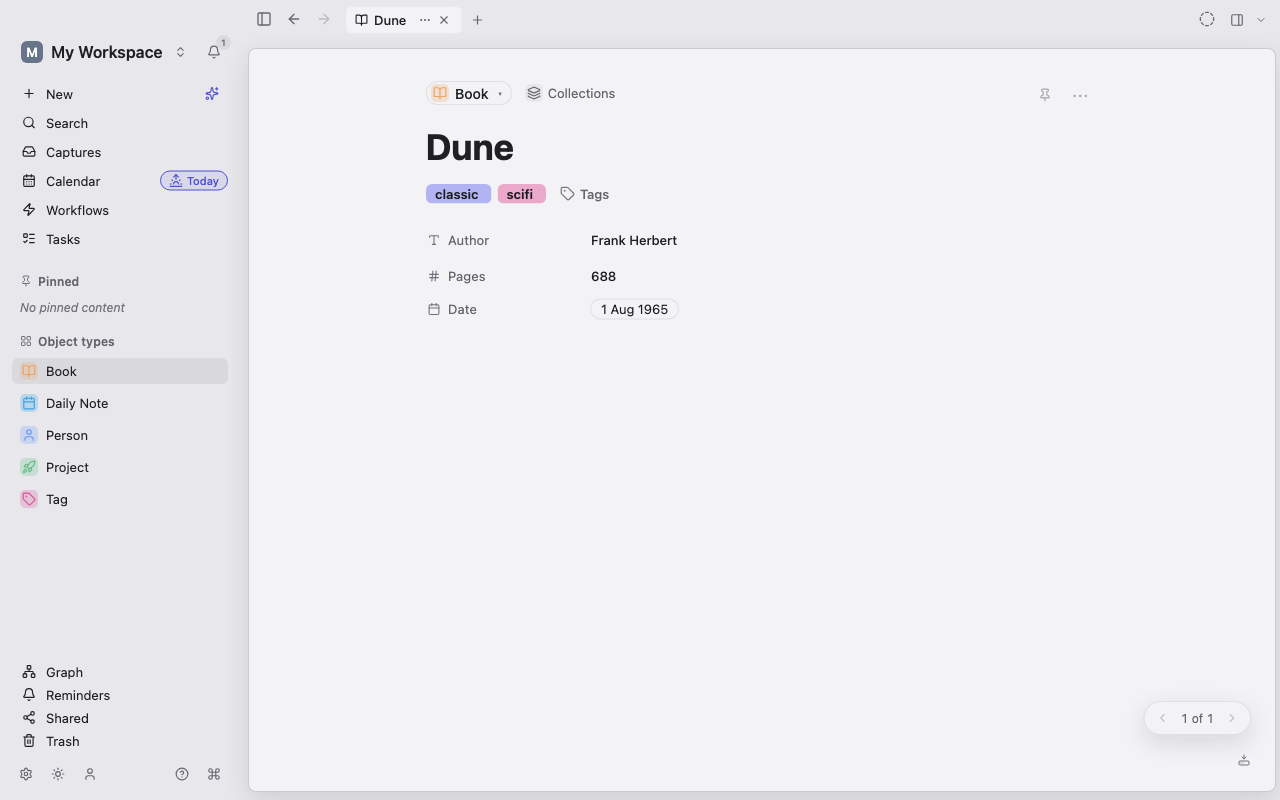
Explore captureA note can stay a note. A book, person, project, or task can have the details that make it recognisable at a glance—and relationships that keep it from becoming another dead end.
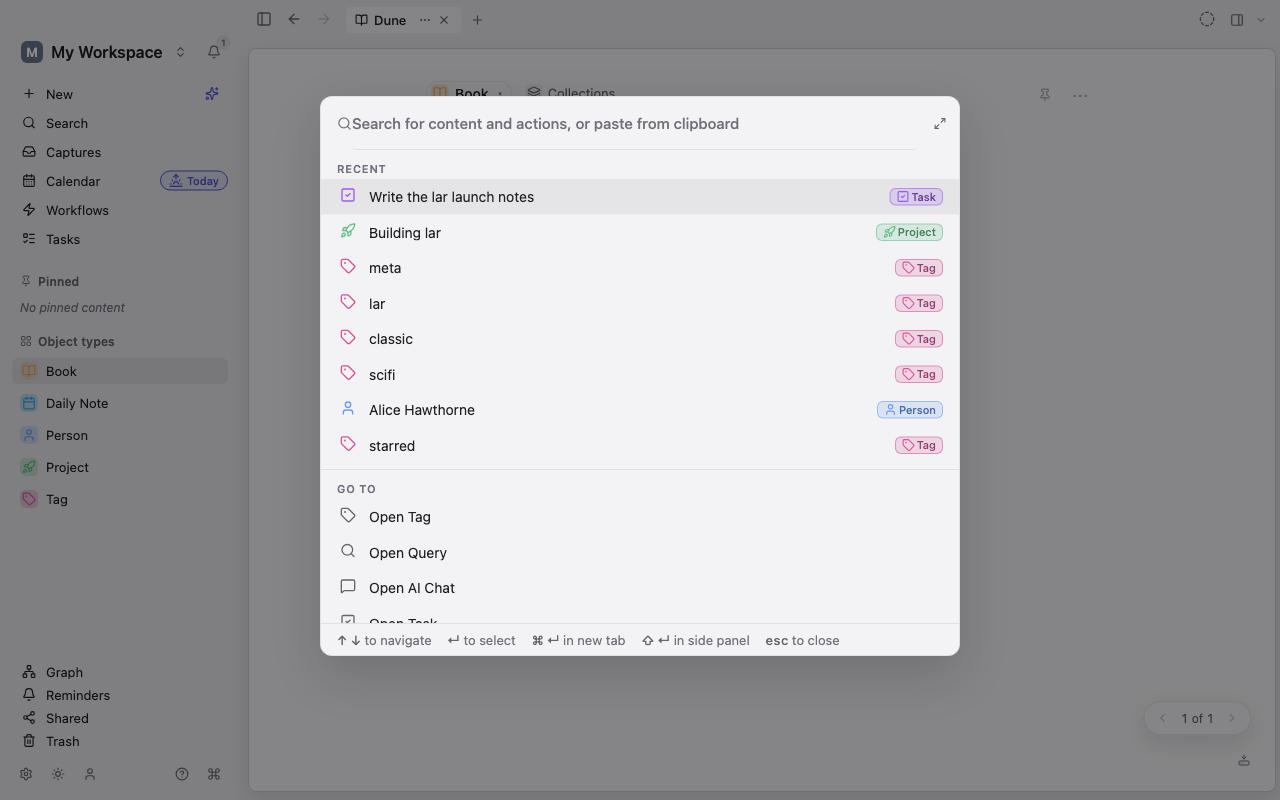
Explore ObjectsSearch across what you wrote, then follow the relationships around it. Lar is built for the moment an old idea suddenly becomes relevant again.
Explore searchSee it in the app
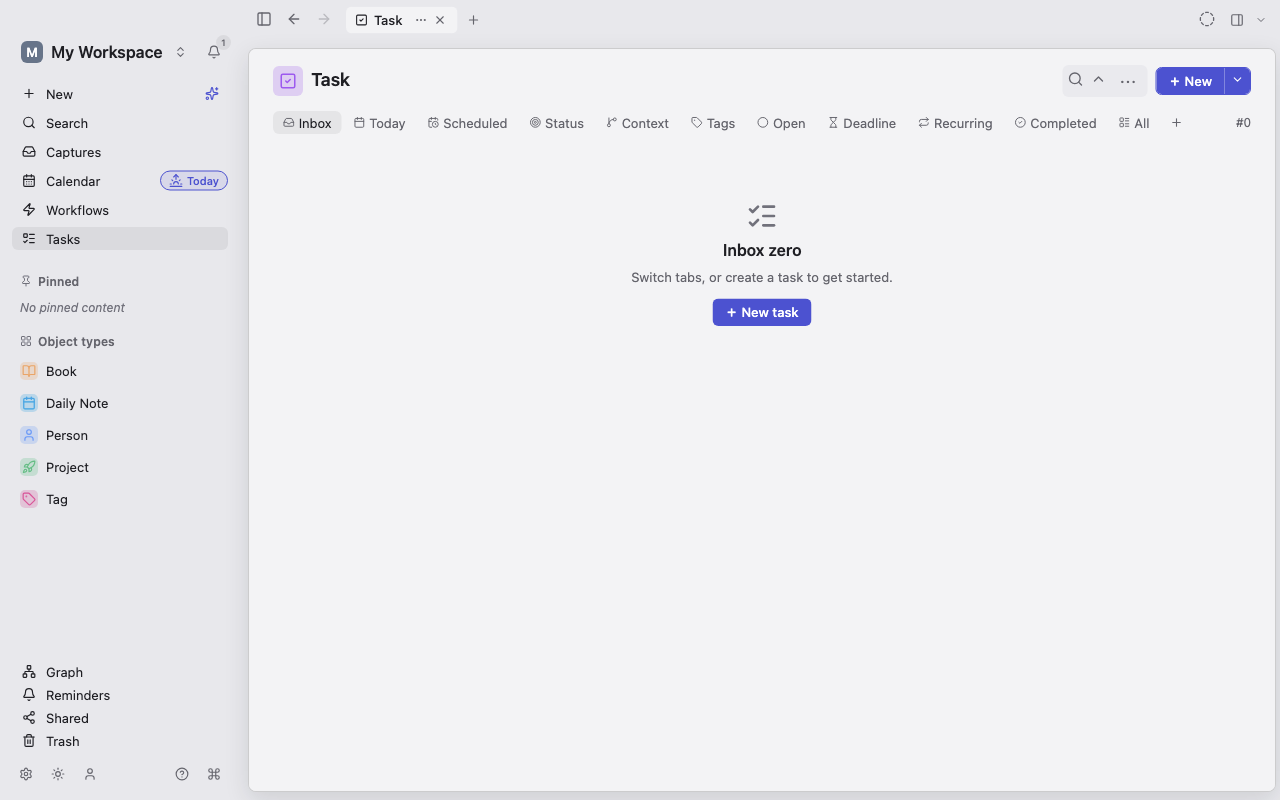
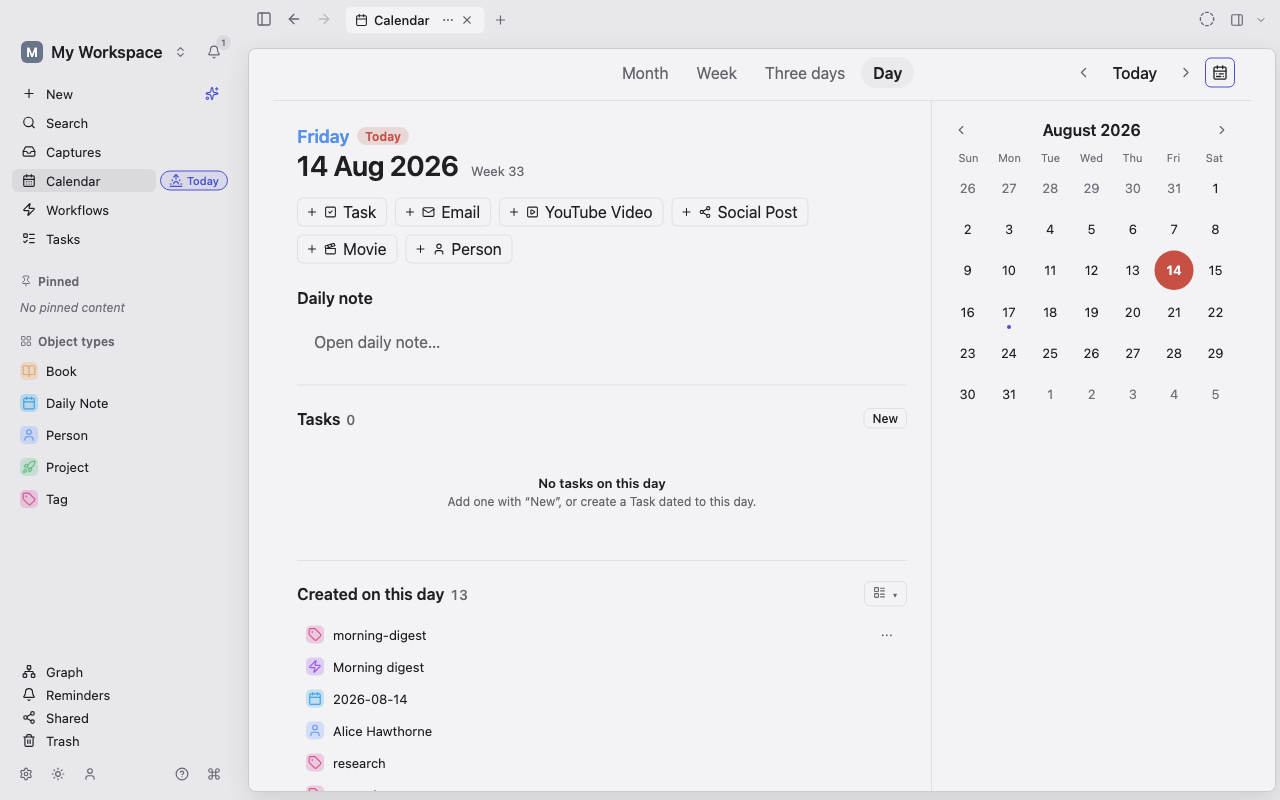
Screenshots from the Lar app, in its light theme.
Yours from the beginning
Local-first by constructionEditing and search work in your workspace, even offline.
No account requiredStart with a workspace that belongs to you.
Encrypted desktop storageLar desktop protects workspace data at rest.
Early preview
Start in the browser today. Signed desktop apps are being prepared for the first desktop release.